Please reach out our service team https://dtflancelot.com/pages/contact-us, they will assist with any issues you may encounter.


Lancelot Auto-Maintenance M1630 Pro DTF Bundle with Roll Feeder,White Ink Circulation for DIY T Shirt Printing
Sale price
$2,549.15
Regular price
$3,899.00
🌟 Why Buy from Lancelot Official Website?
💬 24/7 Live WhatsApp Support: Skip the bots. Connect directly with our real, expert technicians for instant, responsive troubleshooting anytime you need it.
🚚 Free & Fast Shipping + Zero Tax: Dispatched directly from our local USA, CA, ,Europe and AU warehouses for rapid, hassle-free delivery to your door.
⭐ VIP After-Sales Care: Ordering directly from our website unlocks front-of-the-line priority service and dedicated 1-on-1 technical consultations.
💡 Need help exploring our products? Chat with our online for a personalized 1-on-1 walkthrough.
Features
-
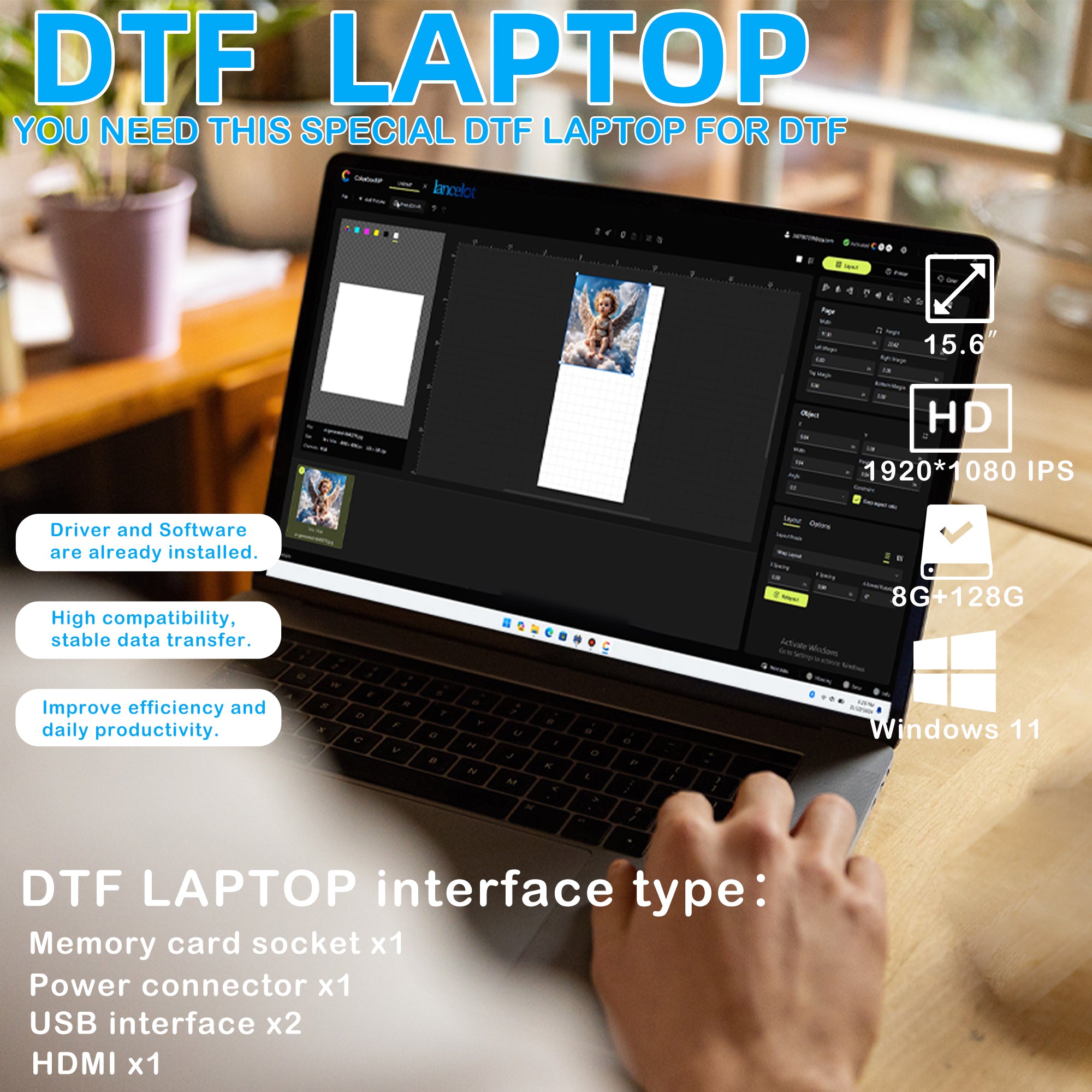
✅ Fast Speed & Smart Auto-Cut: The Lancelot M1630 Pro delivers double the speed of L1800/R1390 models. Equipped with a smart auto-cutting system, it handles single sheets and rolls effortlessly. A pre-configured laptop with drivers is included.
-
✅ Clog-Free & Cost-Saving: Patented Holiday Mode auto-cleaning and advanced white ink circulation prevent clogs, extending printhead lifespan by 40%. Smart waste ink alerts help save 30% on consumables.
-
✅ Jam-Free Film Feeding: An upgraded delivery system seamlessly supports A3/A4 single sheets and rolls, cleverly eliminating the paper-jamming issues common in conventional machines.
-
✅ Beginner-Friendly Setup: Perfect for startups. Features pre-calibrated settings for a true plug-and-play experience—just import your design and print. Maintenance tool kit included.
Options


Real Users. Real Results. Real ROI.
The fact that it came with a preloaded laptop of everything you needed to set up and get it working was the game changer for me. Very user friendly. The prints are amazing. Would definitely buy again.

Nicolette
Published on 16/7/2025
United States
I am very impressed with my machine and the 24/7 IT. I am not very computer savvy, however they are kind and patient with me.

Olivia Wilson
Published on 26/6/2024
Los Angeles, CA
Excellent Customer Service. Help me get everything setup. Very friendly. Hopefully they come out with UTV printer soon.

United States
Published on 15/5/2025
Los Angeles, CA
Printer is fabulous, quick and prints beautifully! Customer support is FANTASTIC, answered all questions quickly and efficiently. Set up wasn’t complicated and anything that I was unsure of, support walked me through it. Would absolutely recommend!

Michelle Wayne
Published on 28/12/2024
United States
Follow the instructions and make sure you turn off after every use compare to procolored I like Lancelot best own both so I know the difference

lydia
Published on 26/6/2024
United States
A3 Print Size for More Versatile Customization
The A3 print size is perfect for a variety of items, from shirts to tote bags, flags, and
caps. Offer more customization options and attract a broader range of customers.


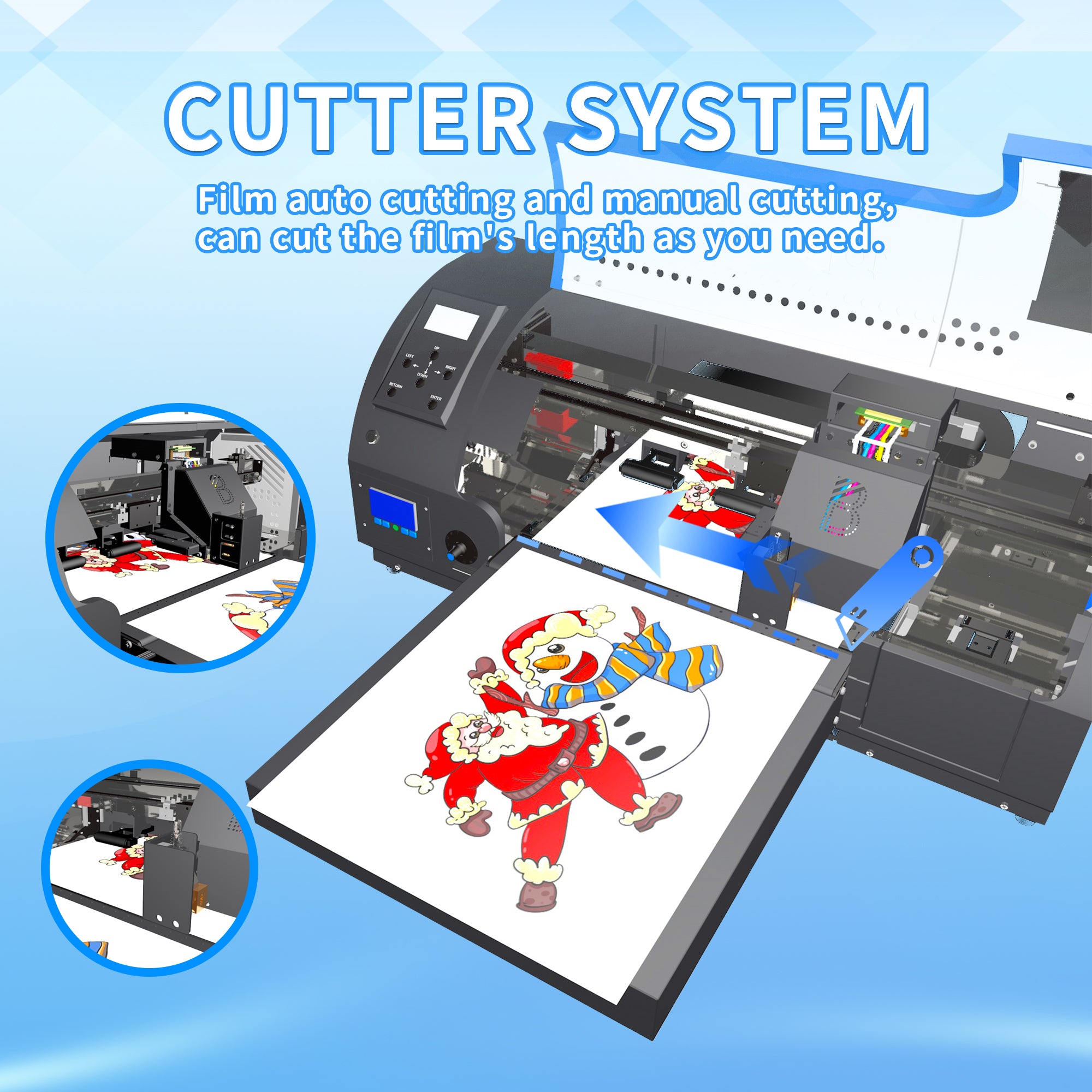
Upgraded Film Feeding System
Film auto cutting and manual cutting, can cut the film's length as you need,the operations is more convenient and more quickly.
Operation Process
Holiday mode
24 hours automatic maintenance printhead ensuring the printhead stays in optimal condition, This reduces the risk of clogs.


Anti-Collision system
Anti-Collision system, keep your printer head safe if film arches up when printing

Waste ink bottle fullalarm system
The waste ink bottles are equipped with alarm sensors that emit beeping sounds to help remind youto empty the waste ink bottles intime.
Profitable Printing Solutions
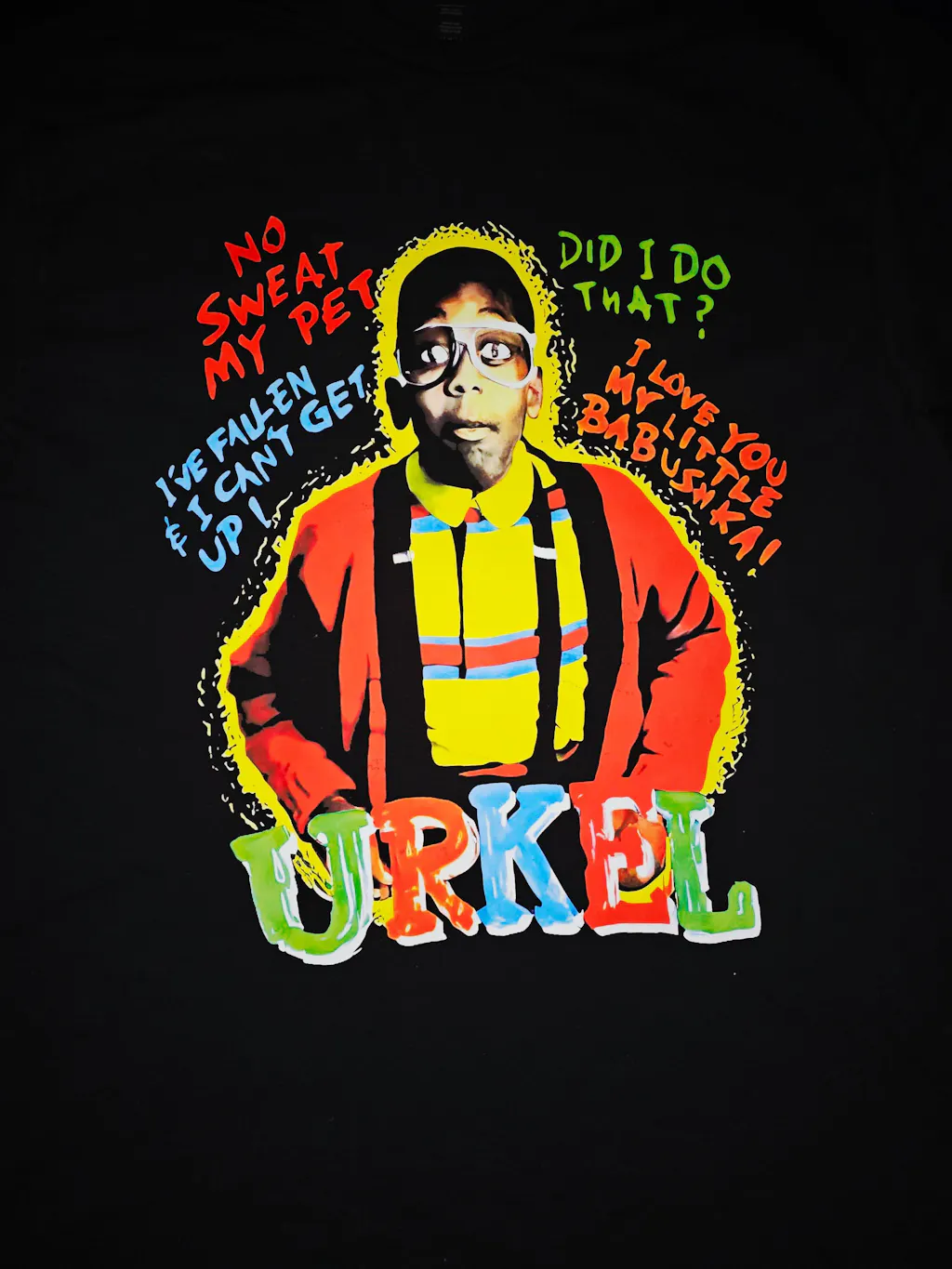
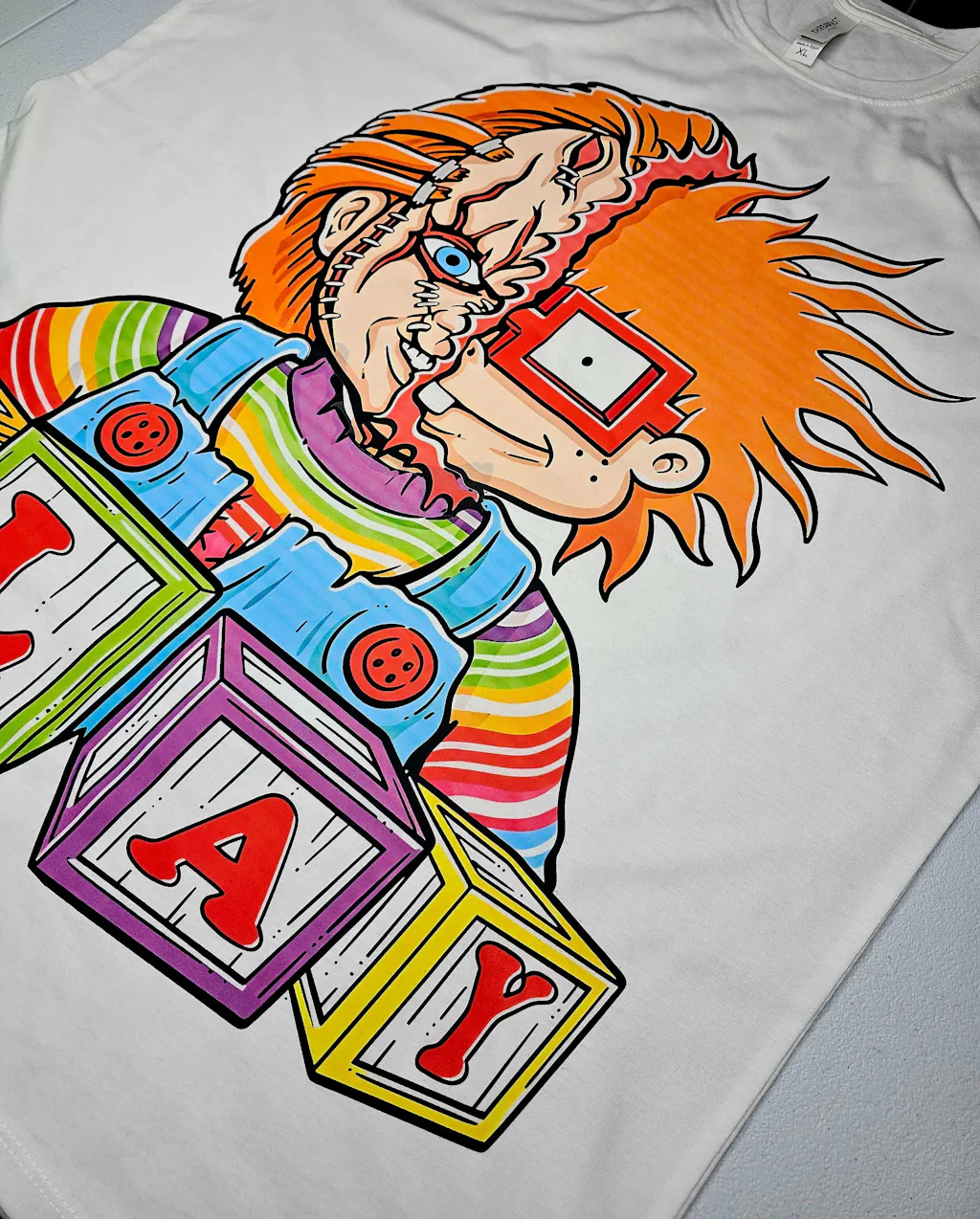
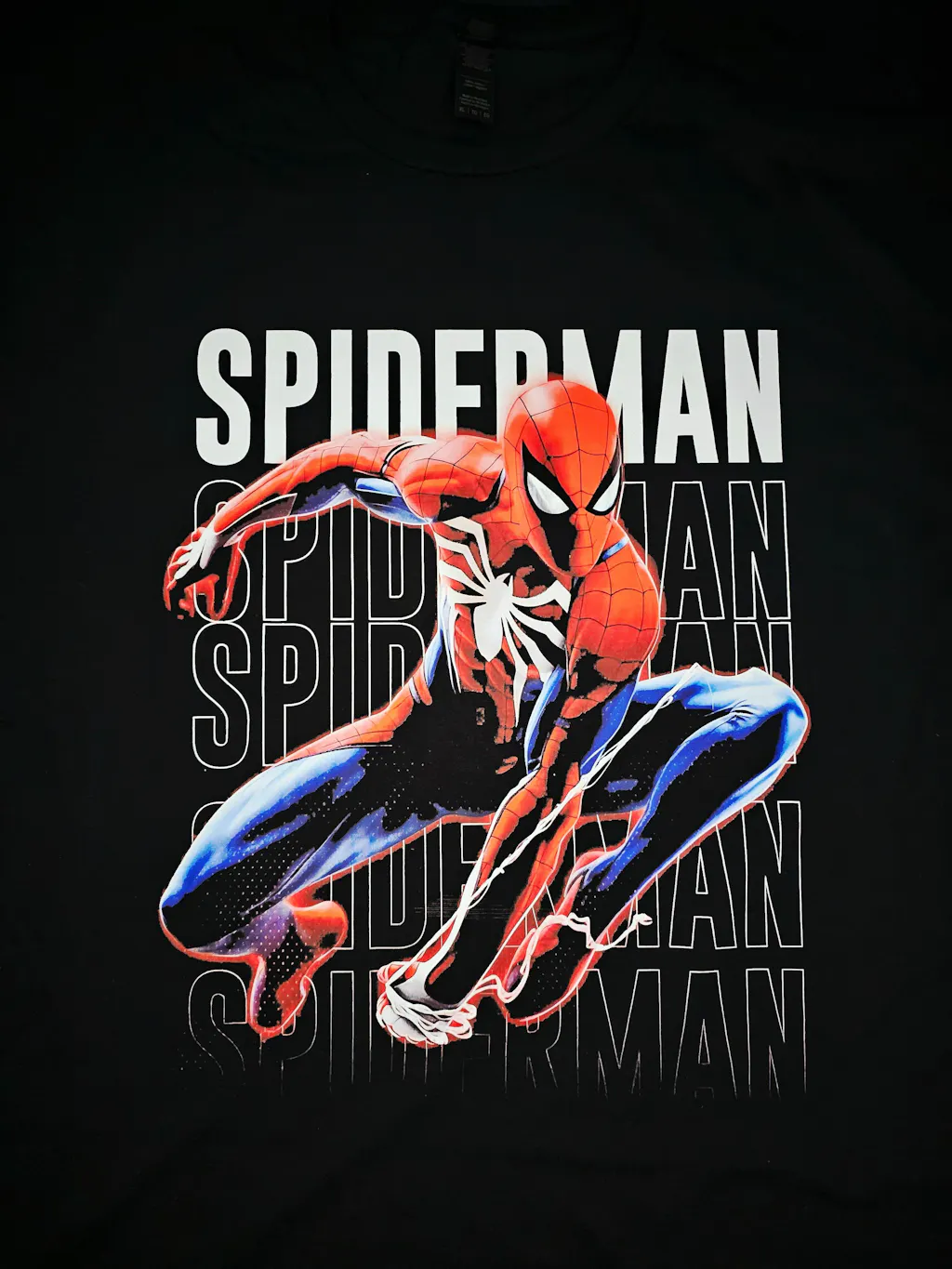
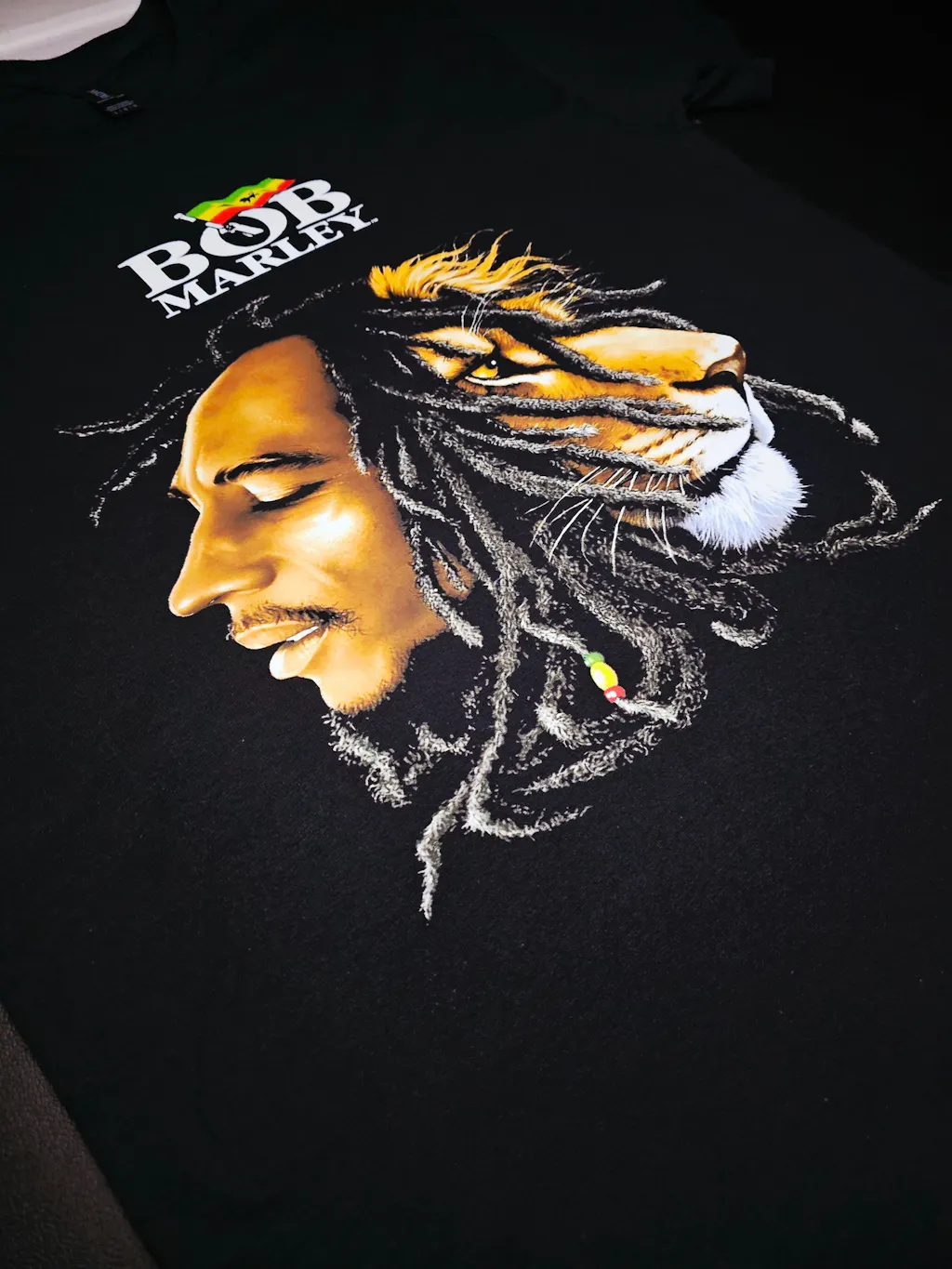
Choose the right model for your needs and start creating stunning products!

Print Sizes

Printing Steps

① Design Arrangement
The designs are arranged in the RIP program.

② Printing
The prepared patterns are printed onto the film

③ Powdering
A fine adhesive powder is applied onto the prints

④ Curing
The powdered prints are cured in the oven

⑤ Heat Transfer
Transfer design onto the garment via heat press

⑥ Peeling
After cooling, peel off the transfer film.